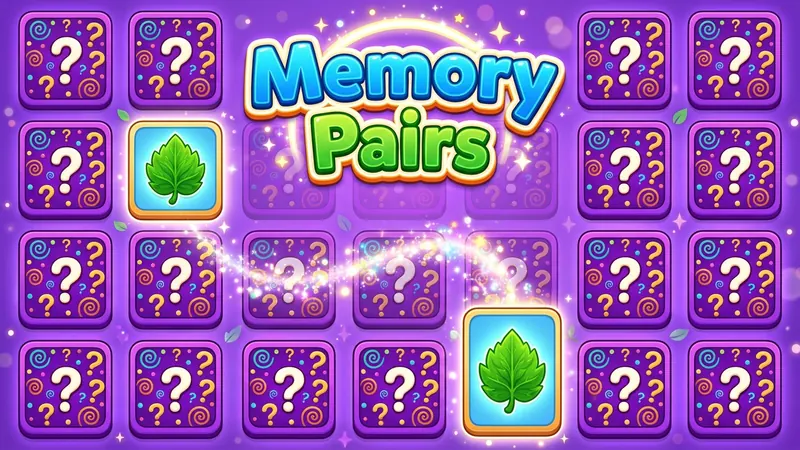
There is nothing to download and no sign-up. Choose a small board for a quick game or a large one for a longer challenge, and your progress is saved as you play.
How to play the memory game
- All the cards start face down. Each picture appears on exactly two cards.
- Turn over any card to see its picture, then turn over a second card.
- If the two pictures match, the pair stays face up.
- If they do not match, both cards turn back face down after a moment. You can also tap another card to carry on straight away.
- Try to remember where each picture was, so you can find its partner later.
- The game ends when every pair is face up.
Choosing a board size
Choose 12, 16, 24 or 36 cards in the Next game menu below the board, then press New game. A board of 12 cards has six pairs and makes a gentle warm-up. Sixteen cards is a pleasant everyday game. Twenty-four cards asks you to hold more places in mind, and 36 cards is a real test of concentration.
Start small and move up when you feel comfortable. Your personal bests are kept separately for each board size, so you can compare like with like.
Controls
- Click or tap a card to turn it over.
- With a keyboard, press Tab to move to the grid, use the arrow keys to move between cards, and press Enter or Space to flip the selected card.
- Hint briefly shows you one matching pair. It is a handy nudge when you are stuck, but it counts against your score.
- Undo is greyed out in this game. Taking back a flip after you have seen the picture would let you peek at every card, which would spoil the challenge.
- Restart deals the same board again, and New game shuffles a fresh one.
- Pause hides the cards and stops the timer. Large makes the cards and text bigger.
- Use the Sound button to switch sound effects on or off.
Moves, time and score
The moves counter counts turns, and one turn is a pair of flips. The timer starts with your first flip and stops when you pause or switch to another tab. Your score rewards fewer moves and faster times, so a careful, steady game scores well.
For each board size, your own browser remembers your fewest moves and your best time. If you refresh the page, the game picks up exactly where you left off.
Tips for remembering the cards
Work in a pattern
Instead of flipping cards at random, work across the board row by row. When you know which areas you have already seen, it is much easier to recall where a picture was.
Say the picture to yourself
Naming each picture quietly, such as apple top left or cat in the middle, gives your memory a second hook. Many people find that words stick better than images alone.
Use your first card wisely
On each turn, flip a card you have not seen before first. If it matches something you remember, go straight to its partner. If not, use your second flip to explore another new card.
Small habits that help
- Group the board into corners or quarters in your mind.
- Do not rush. A short pause to recall where a picture was often saves several moves.
- Save hints for the end of a large board, when only a few stubborn pairs remain.
Variations to try
Once you are comfortable, try a larger board, or set yourself a target number of moves. Some players aim to beat their best time, while others prefer to ignore the clock and simply enjoy a quiet game. If you like this kind of focus, you may also enjoy word search or a jigsaw puzzle.
A short history of memory games
Matching games with cards have been played in homes for a long time, and the simple idea of turning over two cards to find a pair is known by many names, such as Pairs or Matching Pairs. Over the years the game moved from tables and nursery floors to boxed sets and later to screens. Its rules have stayed almost unchanged because they are so easy to learn, which is part of why people of every age still enjoy it as a calm routine.
Common questions
Are these memory games really free?
Yes. Every game is free to play in your browser, with no download and no account needed.
Which board size should I start with?
Start with 12 cards to learn the game, then move up to 16, 24 and 36 as you grow more confident.
Why can't I use Undo?
Undo would let you turn a card back after seeing it, so you could look at every picture without penalty. That would take the memory out of the game, so the button is greyed out.
What does Hint do?
Hint briefly shows one matching pair. It helps when you are stuck, but it lowers your score for that game.
What counts as a move?
One move is one turn, which means turning over two cards. Turning over a single card does not count as a full move on its own.
Is my game saved if I close the page?
Yes. Your board and personal bests are stored in your own browser. Clearing your site data will remove them.